Best Image Size and Format for MLS Listings (Complete Guide)

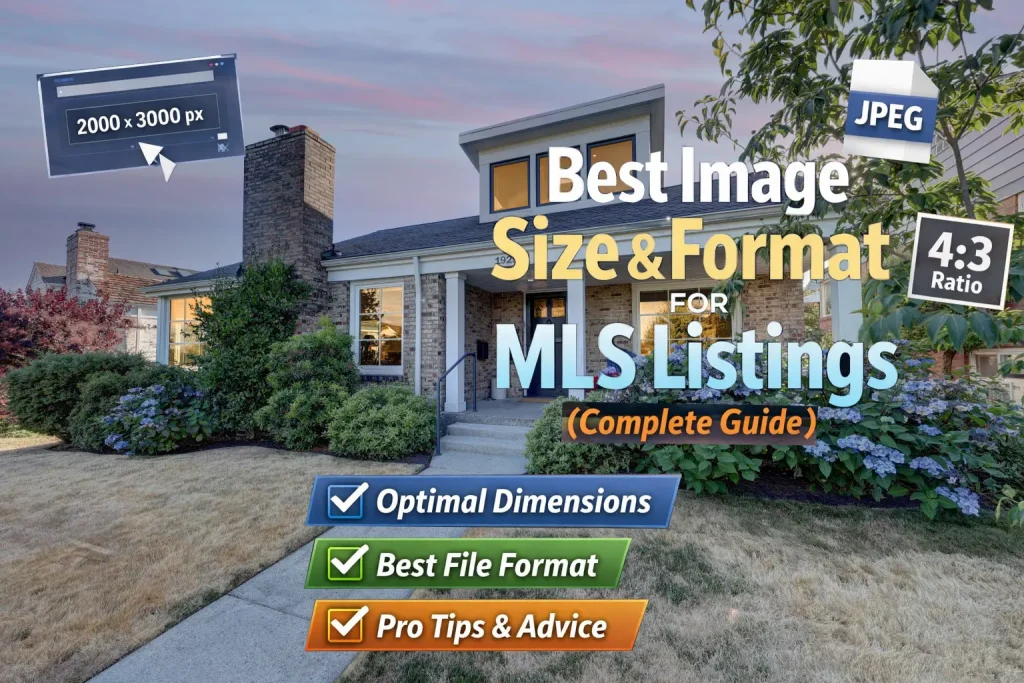
In real estate, first impressions are everything—and using the best image size and format for MLS listings plays a crucial role in attracting buyers. This guide explains the best image size and format for MLS listings to help your photos look sharp and professional.
Understanding the best image size and format for MLS (Multiple Listing Service) listings ensures your photos look sharp, load quickly, and meet platform requirements.
Optimizing images helps improve loading speed and performance, which is a key factor in user experience according to Google.
This complete guide will help you get it right.
Why Image Size and Format Matter in MLS
When uploading photos to MLS, you’re balancing three key factors:
- Image Quality – Clear, sharp, professional look
- File Size – Faster loading and better performance
- Compliance – Meeting MLS system requirements
If images are too large, they may get compressed and lose quality.
If they’re too small, they appear blurry and unprofessional.
Ideal Image Size for MLS Listings
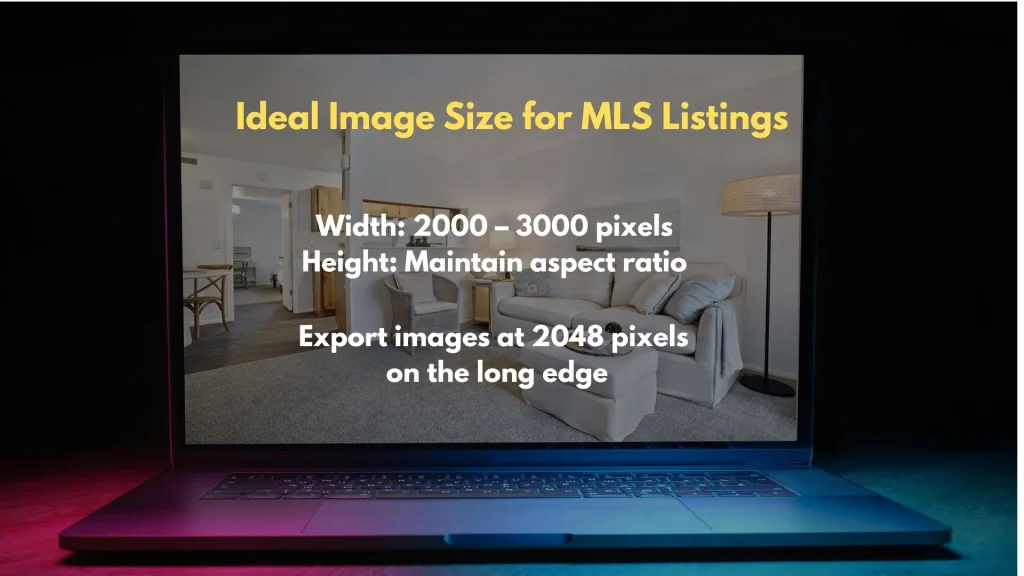
While MLS requirements vary by region, the industry standard is:
✅ Recommended Size:
- Width: 2000 – 3000 pixels
- Height: Proportional (maintain aspect ratio)
✅ Minimum Size:
- At least 1280 pixels wide (anything below may look soft)
✅ Best Practice:
- Export images at 2048 pixels on the long edge for a perfect balance of quality and performance.
Aspect Ratio: Keep It Consistent
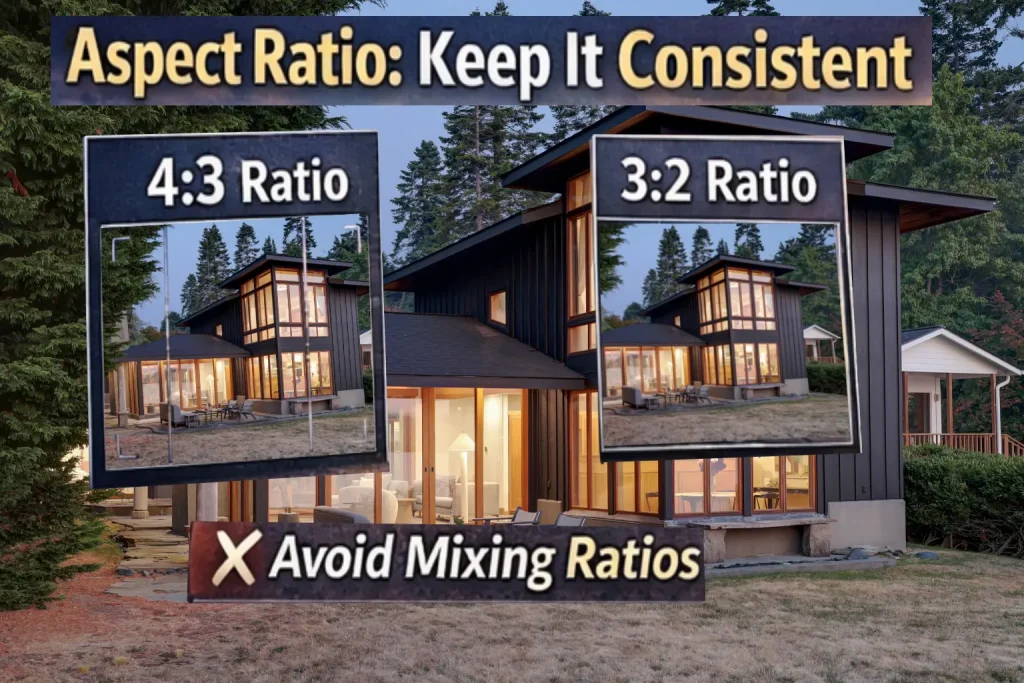
Most MLS platforms prefer:
- 4:3 aspect ratio (standard for real estate)
- 3:2 (also acceptable for many systems)
Avoid:
- Cropping inconsistently across images
- Mixing vertical and horizontal without purpose
Consistency makes your listing look clean and professional.
Best File Format for MLS
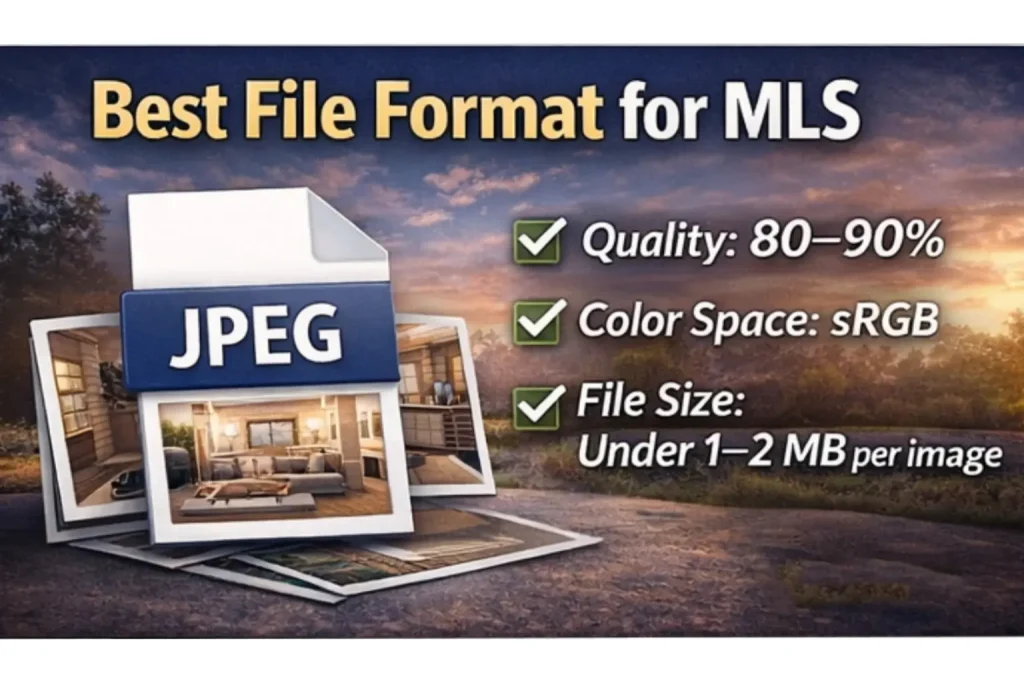
JPEG (JPG) — The Industry Standard
- High compatibility with all MLS platforms
- Good balance between quality and file size
- Supports compression without major quality loss
Recommended Settings:
- Quality: 80–90%
- Color Space: sRGB
- File Size: Ideally under 1–2 MB per image
Avoid These Formats:
- PNG – Larger file size, unnecessary for photos
- TIFF – Too heavy for MLS uploads
- RAW files – Not supported
Image Resolution (DPI) — Does It Matter?
Short answer: No, not for MLS.
- DPI (dots per inch) is for printing
- MLS platforms care about pixel dimensions, not DPI
You can safely export at:
- 72 DPI or 300 DPI — it won’t affect MLS display
Image Compression Tips
Proper compression ensures fast loading without losing quality.
Tips:
- Use tools like Photoshop, Lightroom, or export presets
- Avoid over-compression (causes banding and artifacts)
- Check images after upload—MLS may compress again
Naming Your Images (Often Overlooked)
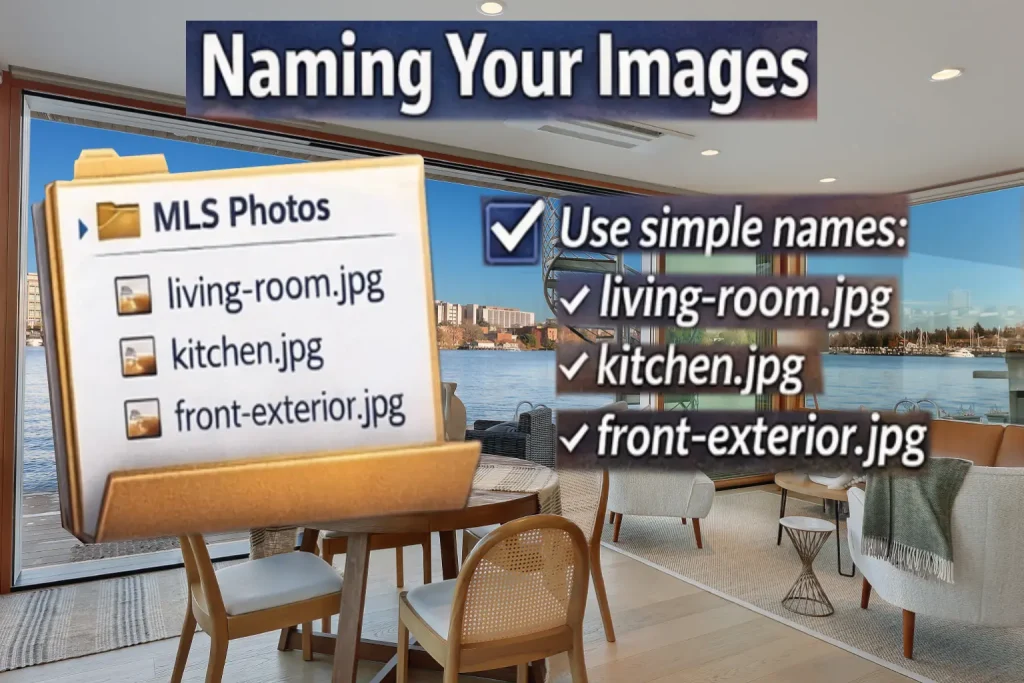
While MLS may rename files, it’s good practice to:
- Use simple names:
living-room.jpg,kitchen.jpg,front-exterior.jpg - Avoid:
- Special characters
- Long file names
This helps with organization and SEO (for other platforms).
Number of Images to Upload
More images = better engagement (if they’re high quality)
Recommended:
- 20–40 images per listing
Include:
- Exterior (front & back)
- Living areas
- Kitchen
- Bedrooms
- Bathrooms
- Unique features
Common Mistakes to Avoid
❌ Uploading low-resolution images
❌ Over-editing (unnatural colors, fake lighting)
❌ Crooked vertical lines
❌ Inconsistent brightness across photos
❌ Heavy compression artifacts
These instantly reduce buyer trust.
Pro Tip: Optimize Before Upload
Before uploading to MLS:
✔ Straighten verticals
✔ Correct white balance
✔ Enhance brightness naturally
✔ Replace dull skies (if needed)
✔ Remove distractions
This is where professional editing makes a huge difference.
Why Professional Editing Matters
Even with the right size and format, raw images rarely perform well.
A professional editor ensures:
- Consistent brightness and color
- Natural-looking enhancements
- Clean, distraction-free images
- MLS-ready formatting
For photographers and agents, this saves time and improves listing performance.
Final Thoughts
Getting the image size and format right isn’t just a technical step—it directly impacts how buyers perceive a property.
Quick Summary:
- Size: 2000–3000 px (2048 ideal)
- Format: JPEG (sRGB, 80–90% quality)
- Aspect Ratio: 4:3 preferred
- File Size: Under 1–2 MB
- Consistency: Keep all images uniform
When done right, your listings will look sharper, load faster, and attract more attention.
Need Help with MLS-Ready Editing?
At TecPixel, we specialize in:
- HDR & flambient editing
- Sky replacement & window pulls
- Virtual staging
- Floor plan redraws
We deliver consistent, MLS-optimized images that help your listings stand out.